For beauty & skincare brands
One product photo. A whole campaign.
Create clean catalog images and styled scenes from your bottle, jar and tube photos. Keep packaging and labels at the center of the image.
Edit your product photos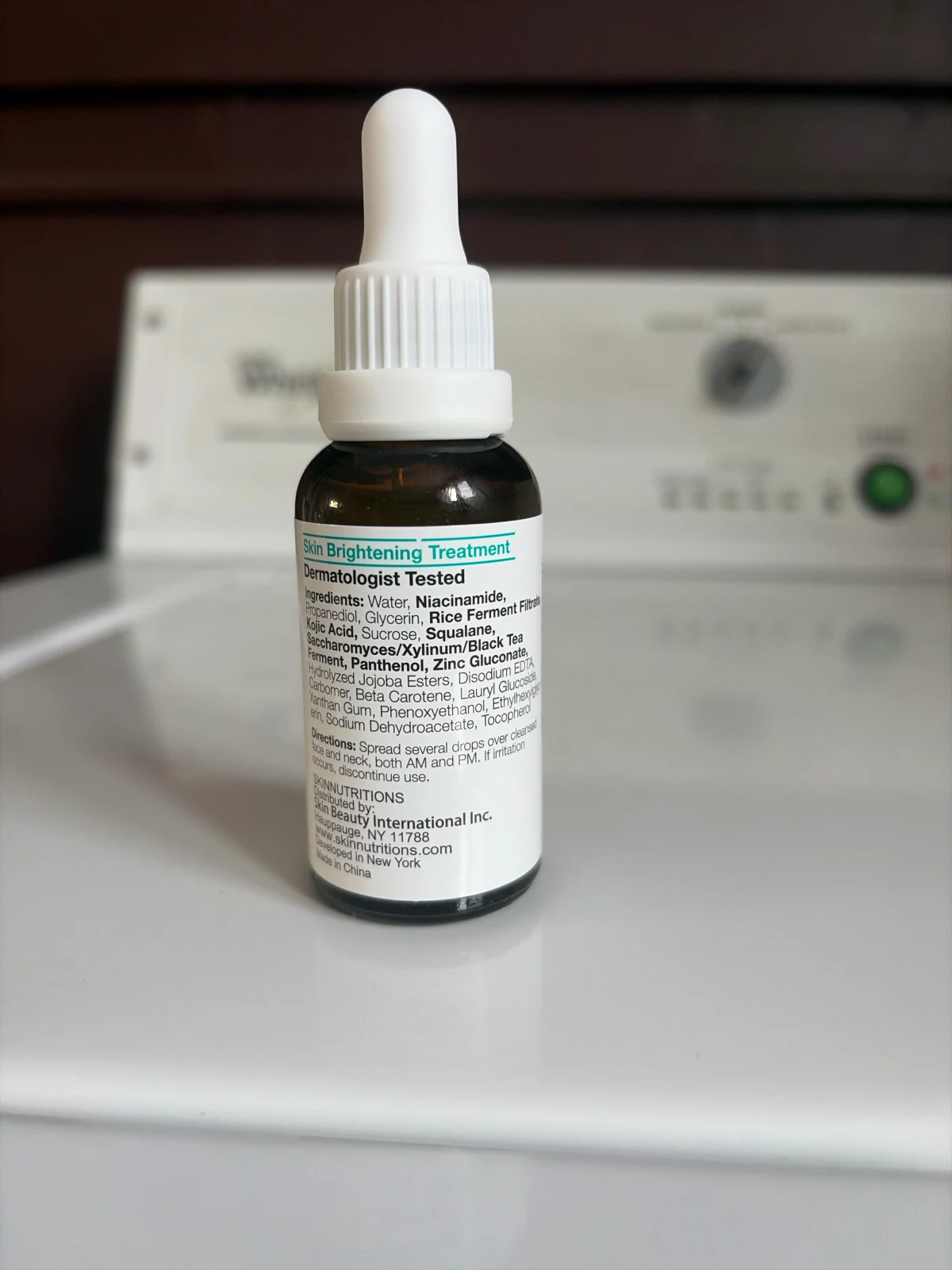
Before
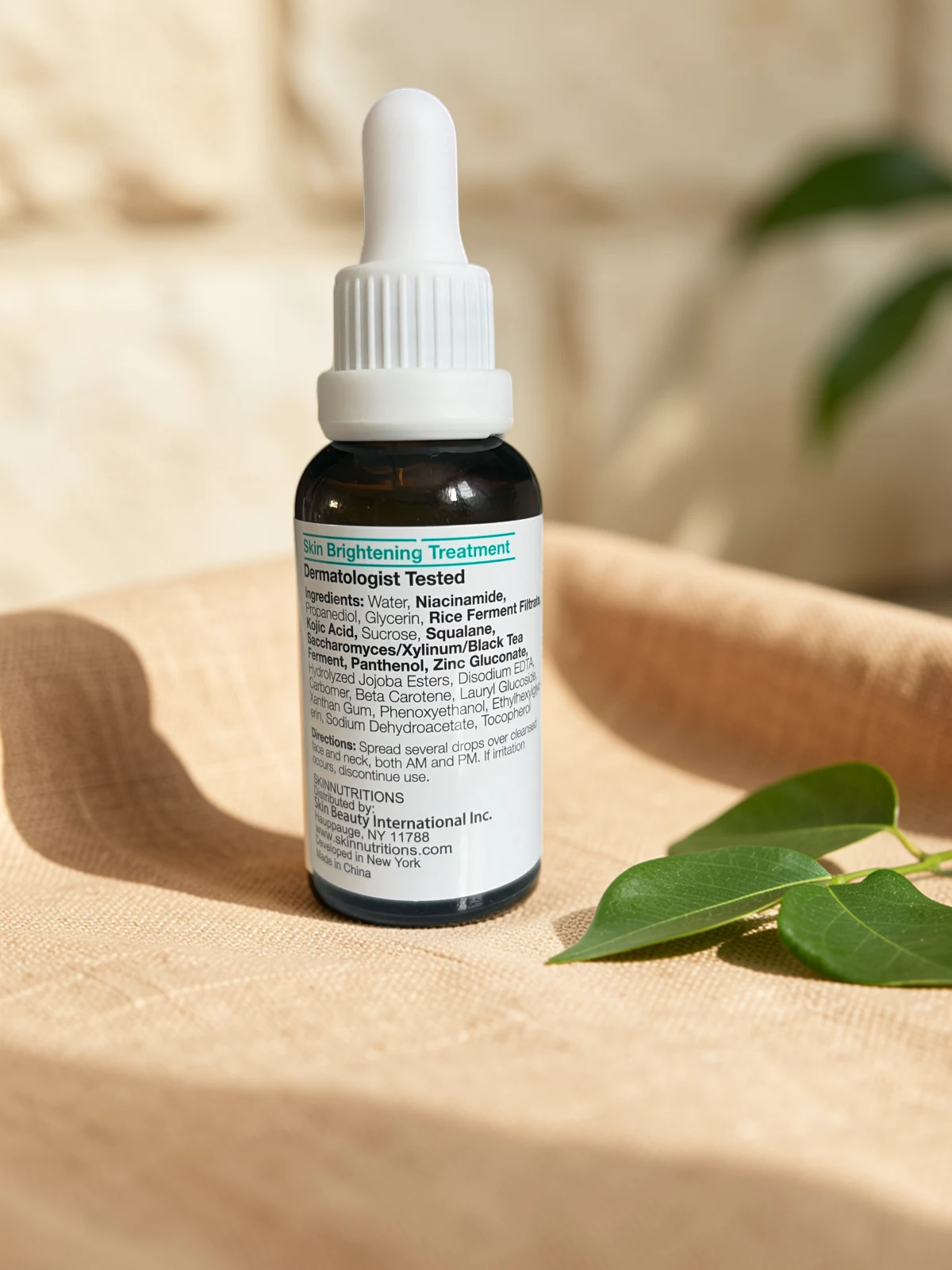
After
Build a visual set around each product
Make the catalog version
Remove the shooting background and refine edges around caps, pumps and packaging. Use a simple background for a clear product image.
Explore background removalCreate the campaign setting
Try an AI background that suits the range: a stone surface, a bathroom shelf or a soft color palette. Review the setting against the original product.
Explore AI backgroundsCarry the look across the range
Reuse a canvas layout for related products. Adjust placement for tall bottles and wider jars, then export the formats you need for your store and posts.
Explore templates
The label has to stay readable.
A striking scene is only useful when shoppers can still identify the product. Check small print, packaging color and reflective edges at full size.
- Keep the brand name, shade, volume and other packaging details legible.
- Review clear glass, translucent bottles and glossy caps against the new background.
- Use props that suit the product without suggesting ingredients or contents it does not have.
Beauty product photo editing
Can I keep my existing packaging design?
Yes. Build around your photographed product layer and use the canvas to adjust placement. Compare the finished image with the original to check label text, color and proportions.
What about transparent bottles and reflective packaging?
Start with a well-lit photo and review the cutout carefully. Glass, translucent plastic and reflective edges may need manual mask refinement; results depend on the source photo.
Can I make a matching set for a product launch?
Yes. Save a layout as a template and apply it to other product photos. Adjust scale and spacing for each package shape, then export catalog and campaign versions.