The wall
Shot nowhere. Sold everywhere.
Every image below skipped the photo studio. Click any of them to compare before and after.
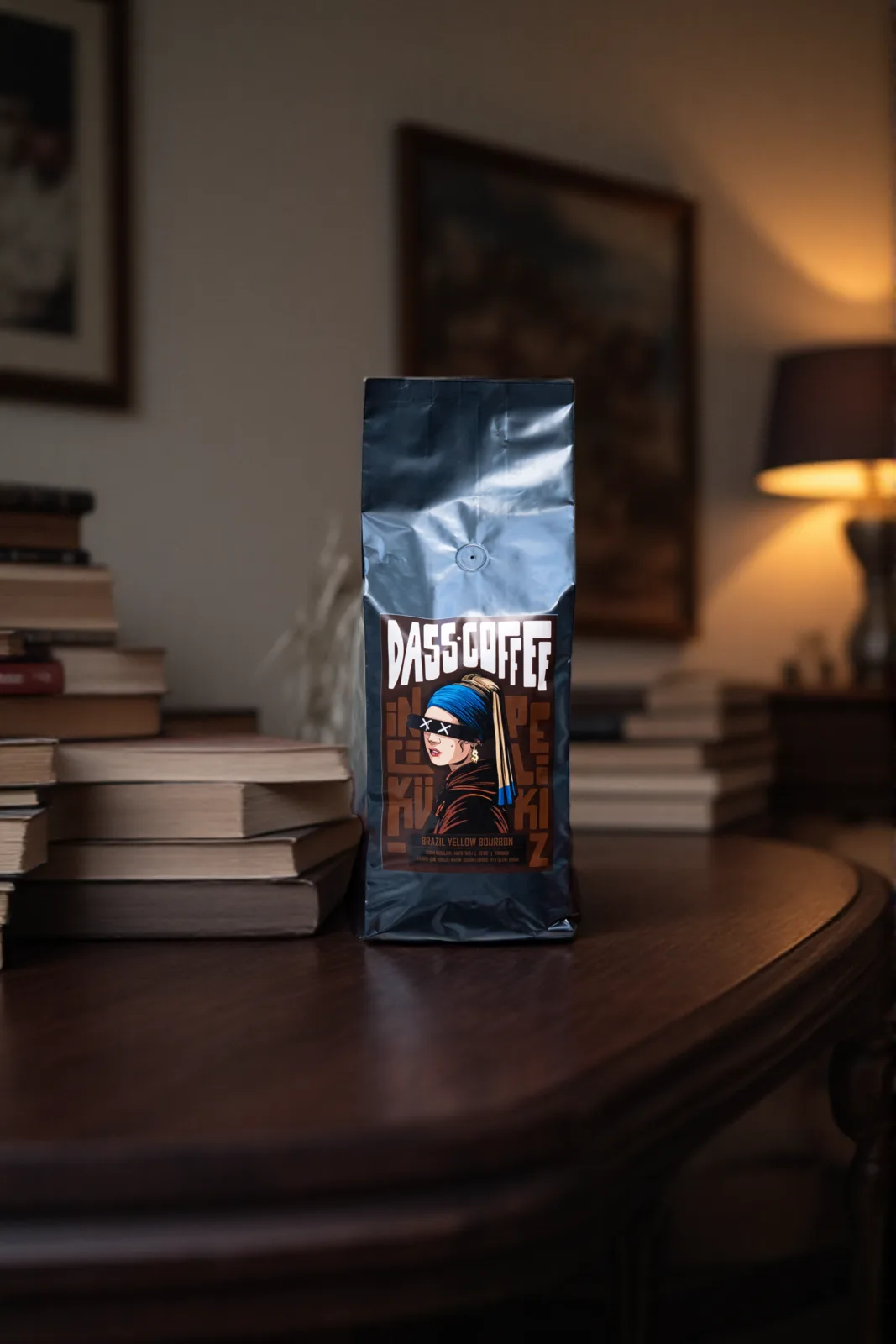

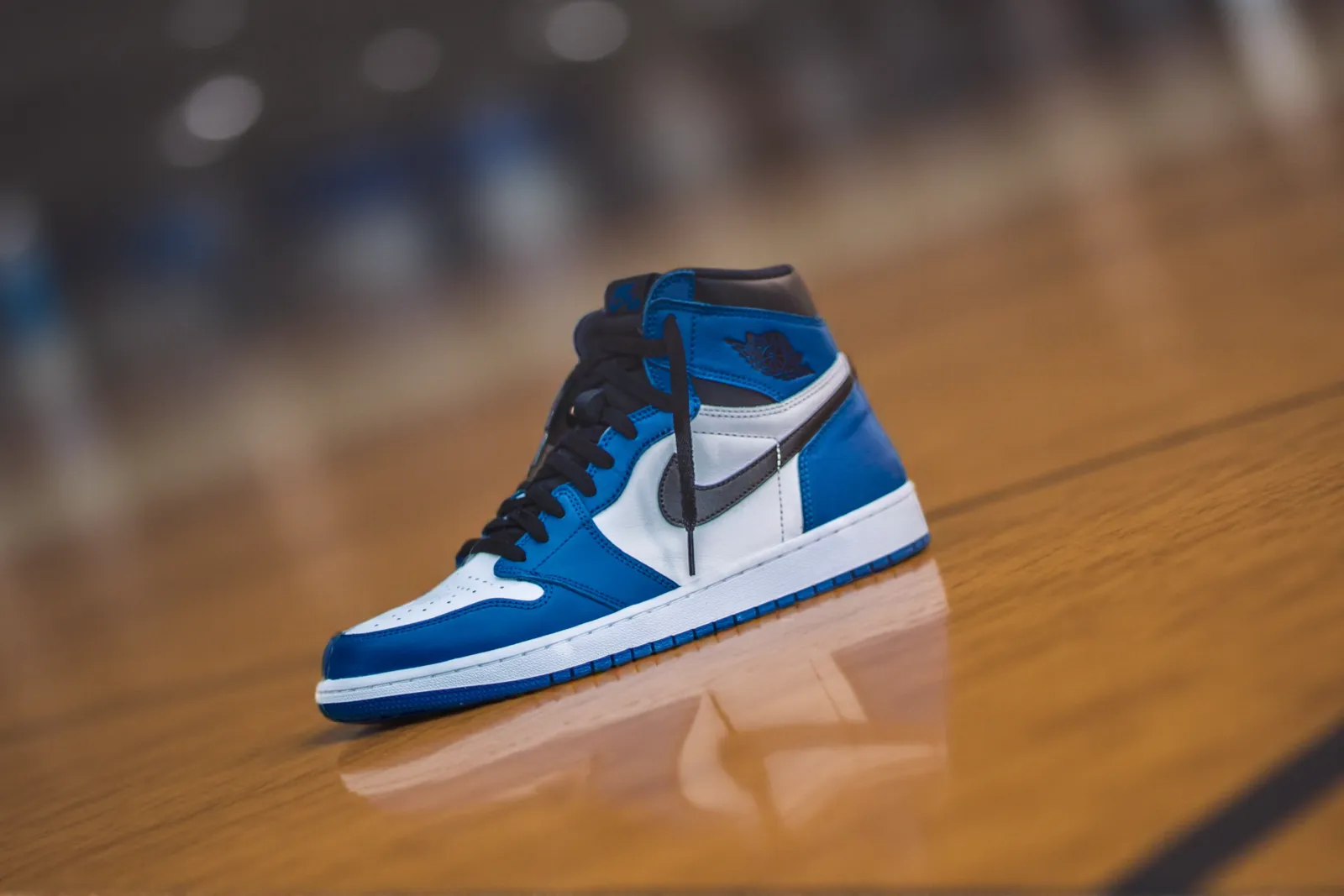
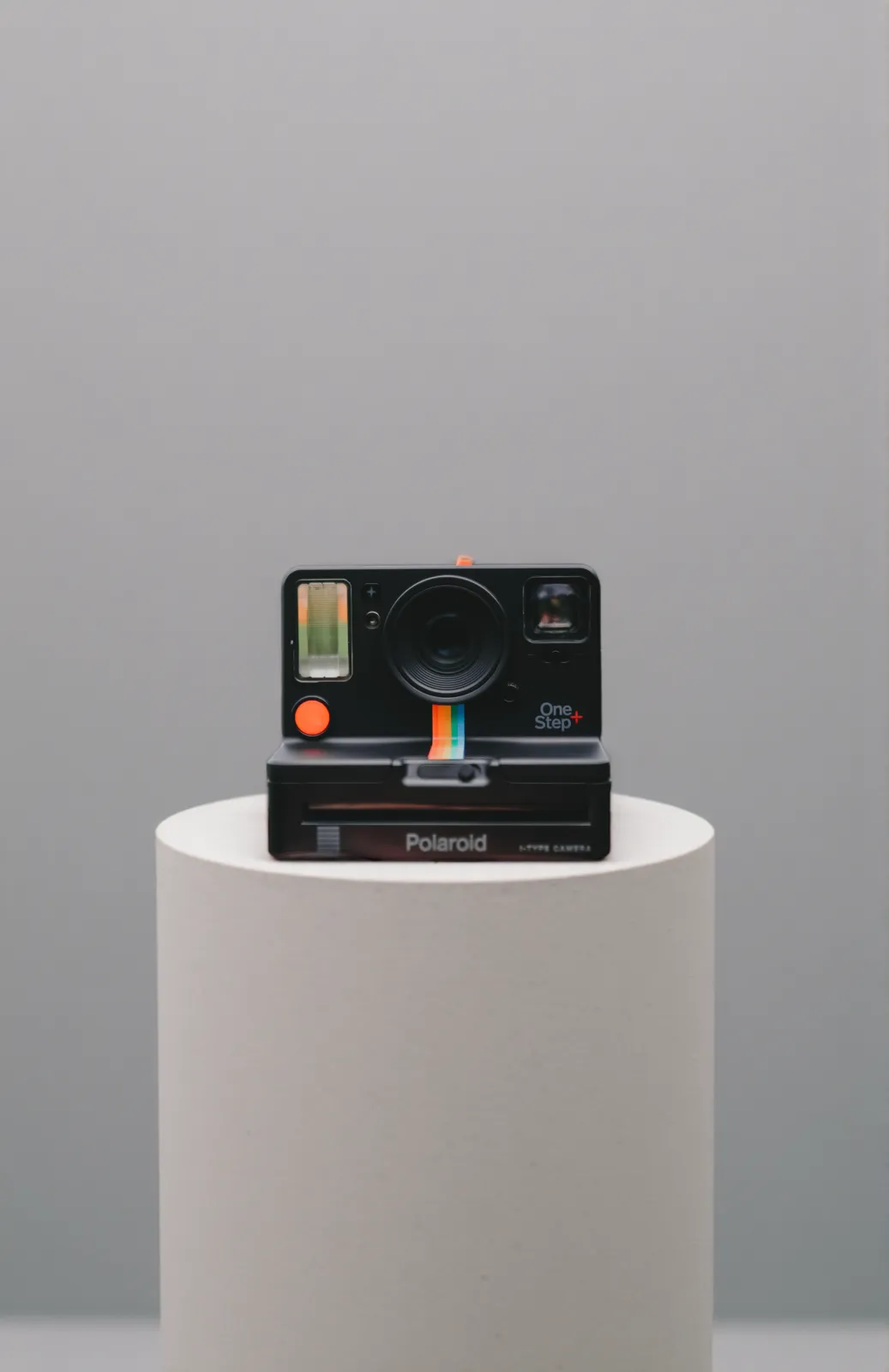

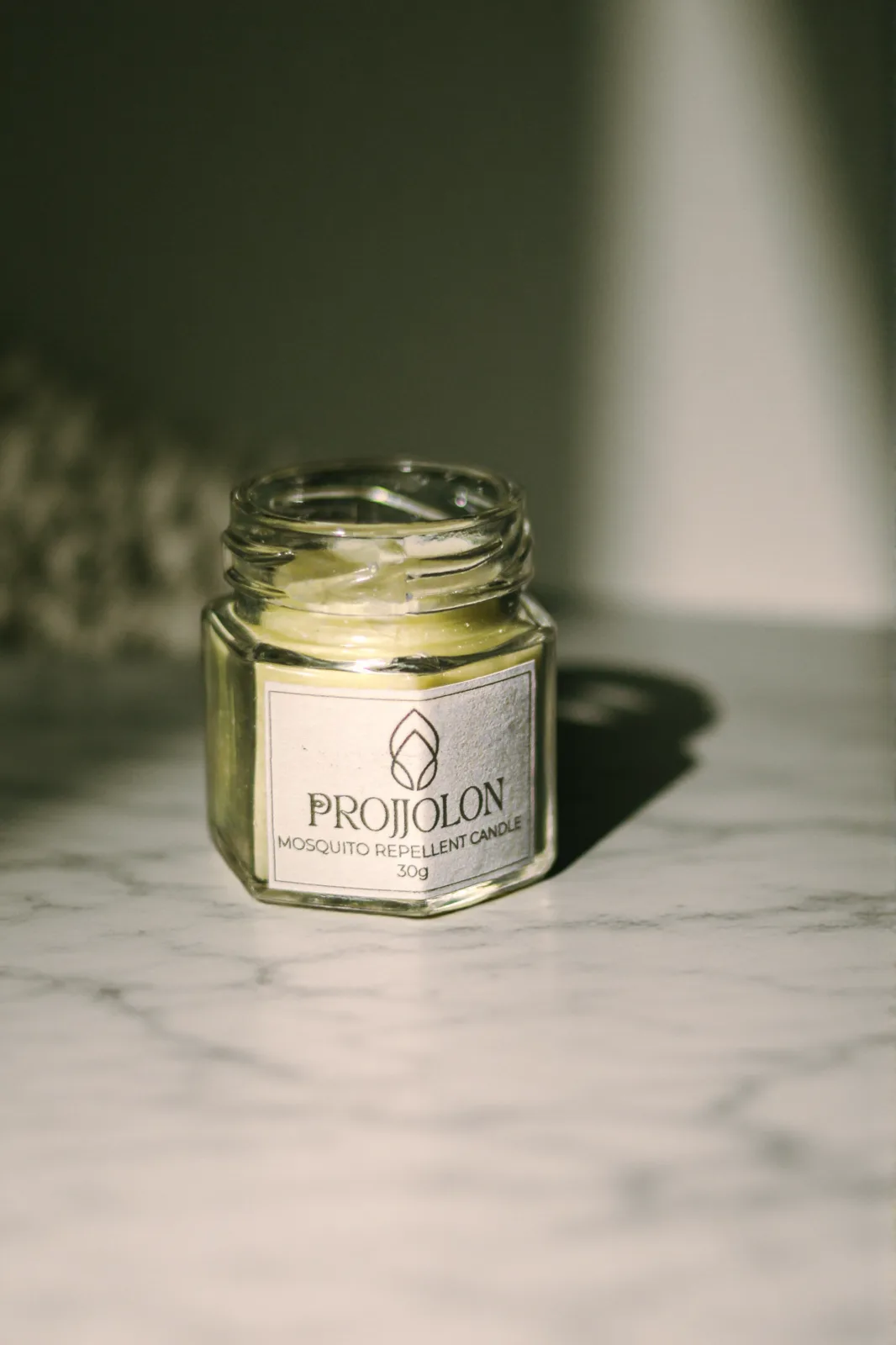
Try it free
Drop a photo in the tray
Fully automatic background removal, no account needed. Upload a product photo and watch the background come off. Sign up for manual control and the rest of the studio.
Drop your image here or click to browse
JPEG, PNG, WebP, or iPhone photos (HEIC/HEIF) up to 10MB
The darkroom
Three AI tools. One powerful canvas.
The AI tools do the heavy lifting. The canvas editor around them gives you layers, transforms, compositing, exports, and versions without locking you into one result.
01
Background Removal
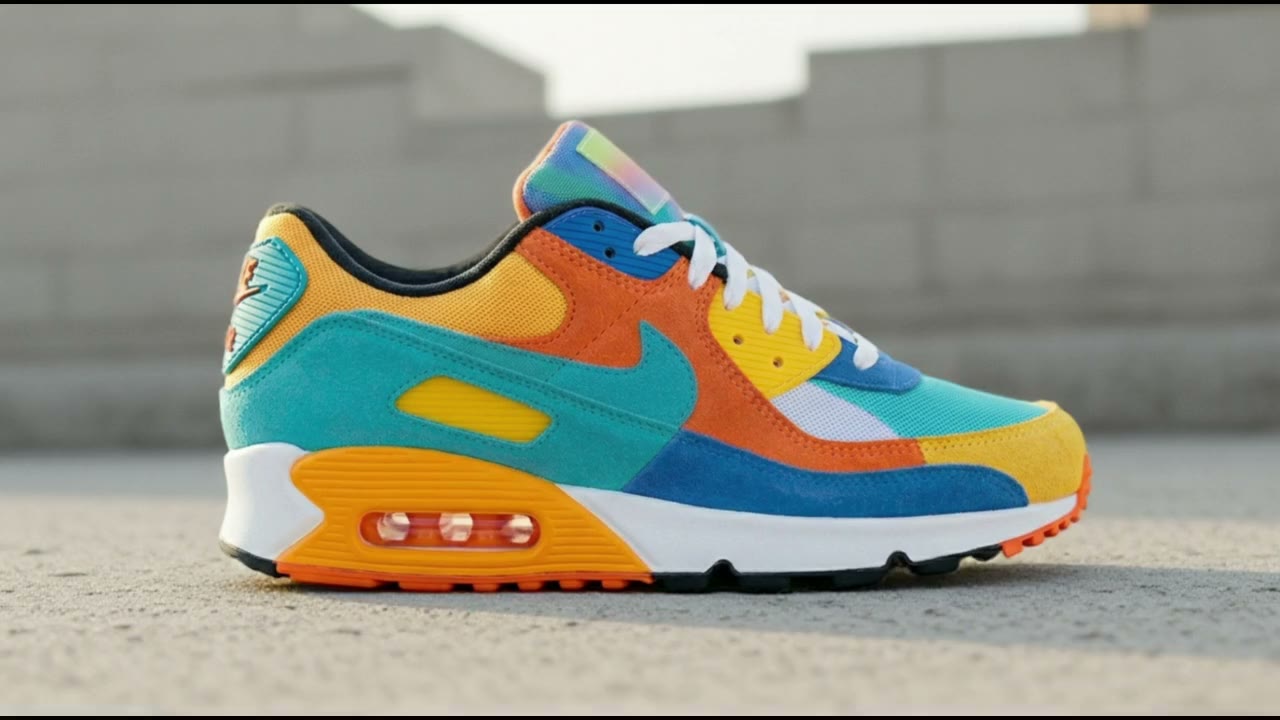
One click lifts the product off its background. When reality is messy - hair, glass, mesh - refine the mask by hand instead of re-rolling and hoping.
- 200 free removals every month, unlimited on paid plans
- AI-guided selection plus manual brush
- Clean mask, cutout, and thumbnail from every run
02
AI Backgrounds
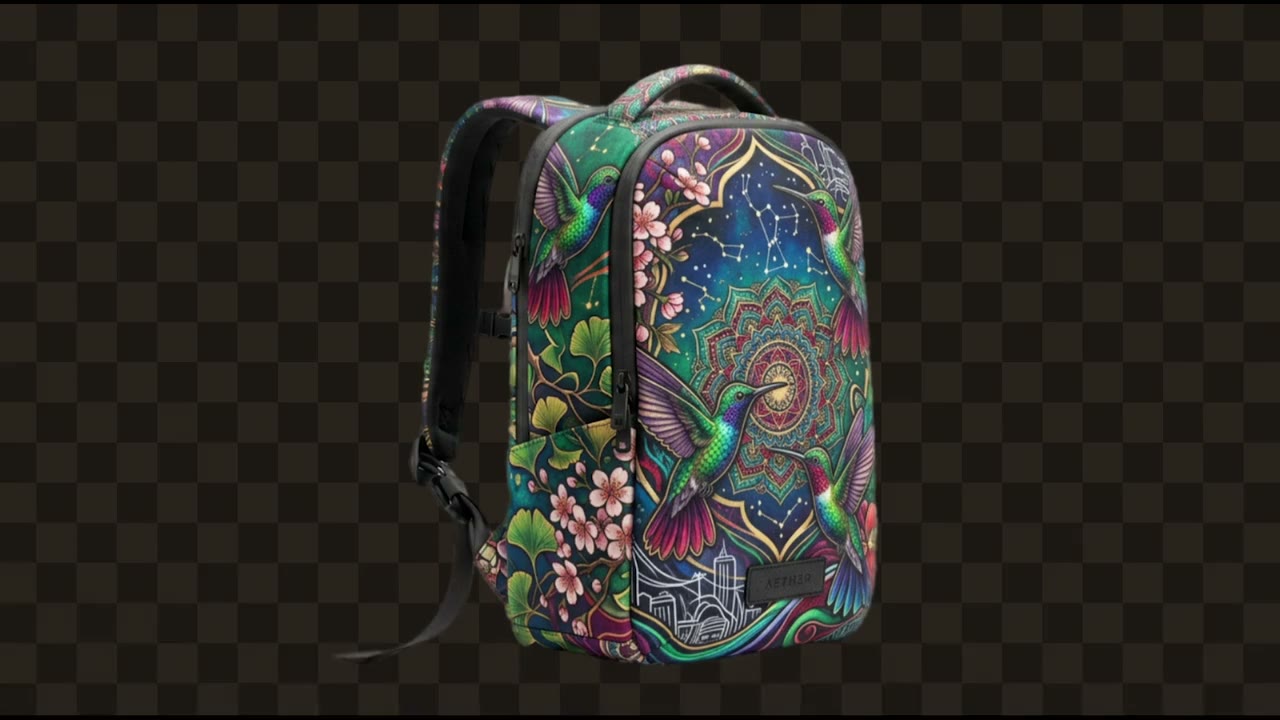
Describe the scene you want or pick an idea, and PhotoFig places your product in it. Your product pixels stay untouched; only the world around them changes.
- Free-form prompts, curated scenes, and product-tailored suggestions
- Your product is never repainted
- Generate scene variations and refresh them as you edit
03
Product Shadow
A composite looks pasted until the light agrees. Product Shadow grounds your product with natural contact shadows that match the scene.
- Light-aware, not a copy-pasted blob
- Works on generated and plain backgrounds
- Refresh shadows as the scene changes

04
The Canvas Editor
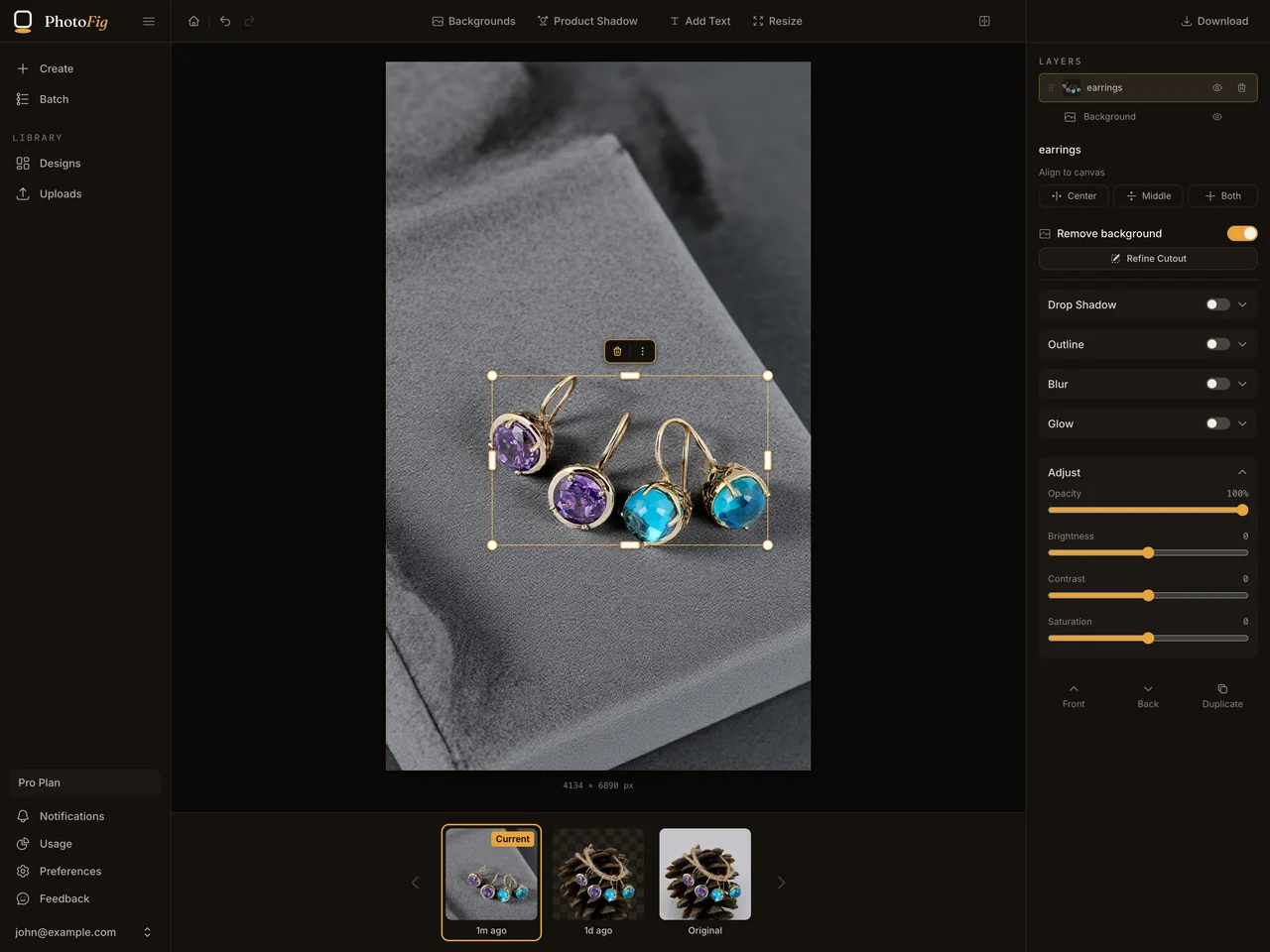
Where it all comes together: layers, transforms, backgrounds, run exports, versions. The editor stays open on every plan, so you can keep composing and exporting with no time limit.
- Layered editing with version history
- Platform-size exports in one pass
- Included on every plan
The assembly line
One recipe. Every SKU.
Build a repeatable editing recipe for a whole folder. PhotoFig removes backgrounds, places products, adds shadows, and exports platform-ready images with the same visual rules.
Queue · 12
Catalog
Start with a ready-made template or build your own. After a run, pick the result that looks right and PhotoFig can make the rest feel similarly sized on the canvas, so small items, bulky products, and awkward shapes still sit together like one catalog.
01
Repeatable edits
Same background, placement, effects, and shadow rules.
02
Template recipes
Chain removal, positioning, effects, shadows, and export.
03
Catalog size matching
Make products feel similarly sized without hand-adjusting every image.
04
Server-side runs
Close the browser. Batch runs keep processing.
Integrations
Built for where you sell.
Your photos end up on Amazon, Shopify, Etsy, eBay, Instagram? PhotoFig exports platform-ready sizes for every storefront you run.
Export presets for every storefront
 Shopify
 Etsy
Etsy Amazon
 eBay
eBay Instagram
 Pinterest
 Facebook
 Poshmark
 Vinted
Developer API
Automate the studio
A REST API for teams that process catalogs, not photos: script every tool, stream job status, plug PhotoFig into your pipeline. Available on Pro and Studio plans.
export PHOTOFIG_API_KEY="pf_live_..."

JOB_ID=$(curl -s -X POST https://api.photofig.com/v1/tools/ai-shadows/edit \
  -H "Authorization: Bearer $PHOTOFIG_API_KEY" \
  -H "Content-Type: application/json" \
  -d '{
    "imageUrl": "https://cdn.example.com/product.png",
    "parameters": { "seed": 128742 }
  }' | jq -r '.id')

curl -L "$(curl -s -H "Authorization: Bearer $PHOTOFIG_API_KEY" \
  "https://api.photofig.com/v1/jobs/$JOB_ID" | jq -r '.resultUrl')" \
  -o ./photofig-result.png
PhotoFig API reference
Pricing
Pay for the heavy lifting.
The Free plan lets you test almost the entire workflow. Paid plans raise AI, Magic Eraser, background removal, batch, storage, and retention limits, unlock teams, and add API access on Pro and Studio.
Prices shown in USD.
Starter
For casual marketplace sellers
$9.95/mo
Or $7.50/mo when billed yearly
- 600 AI credits / mo
- Magic Eraser with fair-use limits
- Unlimited background removals
- 1,000 batch exports / mo
- 1,000 stored images, 10 GB source upload storage
- Unlimited team members
Pro
For active sellers and small catalogs
$29.95/mo
Or $22.50/mo when billed yearly
- 2,000 AI credits / mo
- Magic Eraser with fair-use limits
- Unlimited background removals
- 5,000 batch exports / mo
- 5,000 stored images, 50 GB source upload storage
- Priority processing + API access (1 key)
Studio
For high-volume sellers and small teams
$79/mo
Or $59/mo when billed yearly
- 7,500 AI credits / mo
- Magic Eraser with fair-use limits
- Unlimited background removals
- 25,000 batch exports / mo
- 20,000 stored images, 200 GB source upload storage
- Highest priority + API access (3 keys)
Custom limits or support? Contact sales.
Set up your studio.
Free plan with 200 background removals and 15 AI credits a month. No card, no time limit.