guides
Product Photo Sizes: The 2026 Cheat Sheet
Every marketplace wants a different image. Here are the sizes, ratios, and background rules that matter in 2026, and how to export all of them from one master shot.
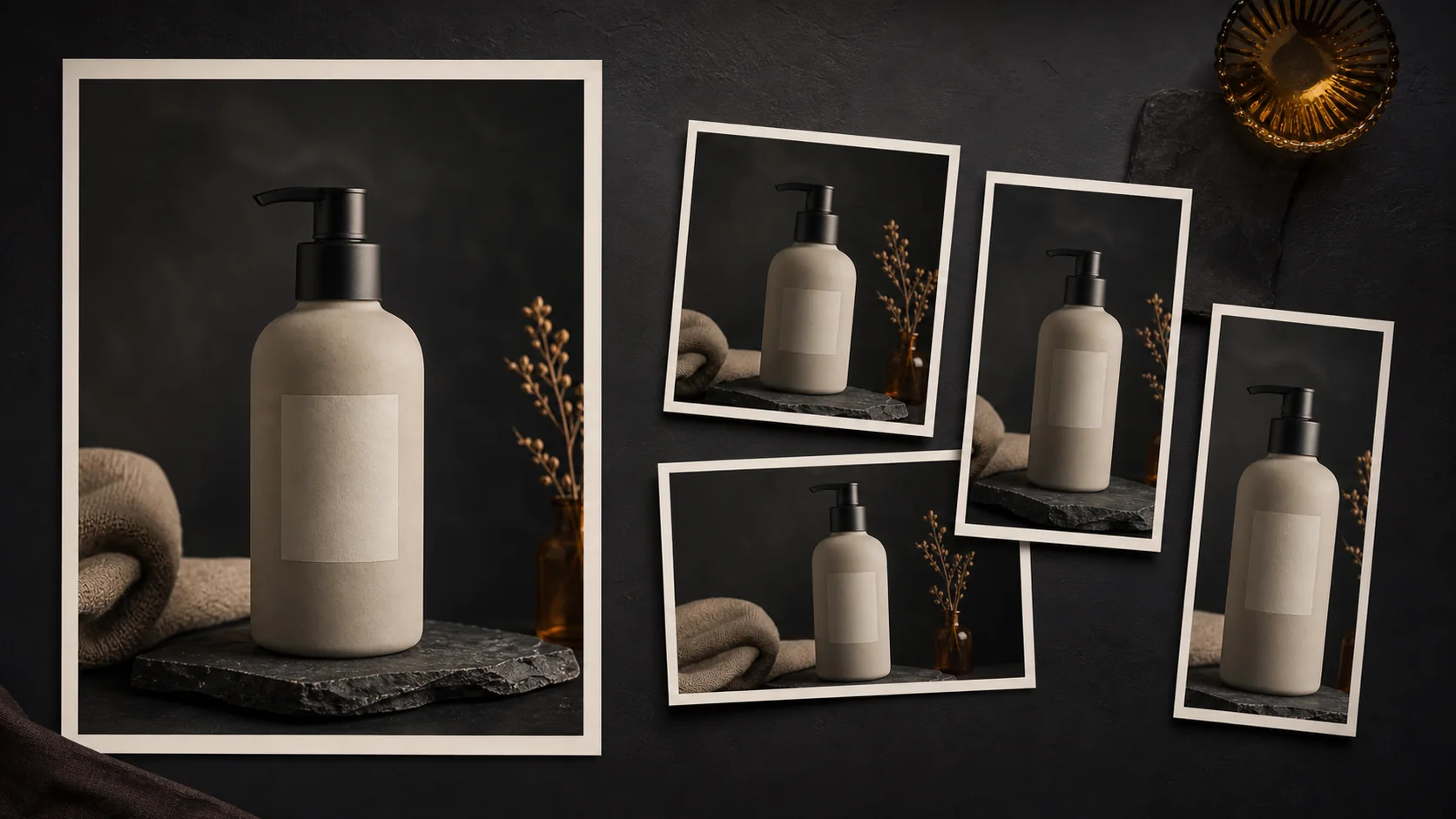
You shot the perfect product photo. Then Amazon wanted a compliant main image, Instagram cropped it for the feed, and Etsy’s thumbnail cut off the top of the bottle. Every destination has its own opinion about your images, and if you sell on more than one of them, you are in the resizing business whether you like it or not.
Quick answer: Keep one loose, high-resolution master and export a separate version for each destination. A practical starting set is a 2000 pixel square for Amazon, a 2048 pixel square for Shopify, an Etsy image with at least 2000 pixels on both dimensions, and a 1080 by 1350 portrait for Instagram. These are working export presets, not universal platform requirements.
This is the cheat sheet we wish existed when we started: the sizes that matter, the rules that get listings suppressed, and a workflow that exports every variant from a single master shot.
The numbers that matter
Platforms change their limits quietly, so always confirm against current documentation before a big catalog push. Verified September 5, 2026, these are the working exports we use and the requirement each one is designed around:
| Destination | Working export | Ratio | What the platform actually says |
|---|---|---|---|
| Amazon main image | 2000 x 2000 | 1:1 | At least 1000 pixels on the longest side for zoom; pure white background and at least 85 percent product fill |
| Shopify product image | 2048 x 2048 | 1:1 | Shopify says this square size usually displays best; consistent ratios matter more than one mandatory size |
| Etsy listing image | At least 2000 x 2000 | Flexible | Etsy recommends at least 2000 pixels in both dimensions and asks sellers to check the subject across its different crops |
| Instagram feed portrait | 1080 x 1350 | 4:5 | This practical export stays inside Meta’s supported feed-image aspect-ratio range |
Two details trip people up more than anything else:
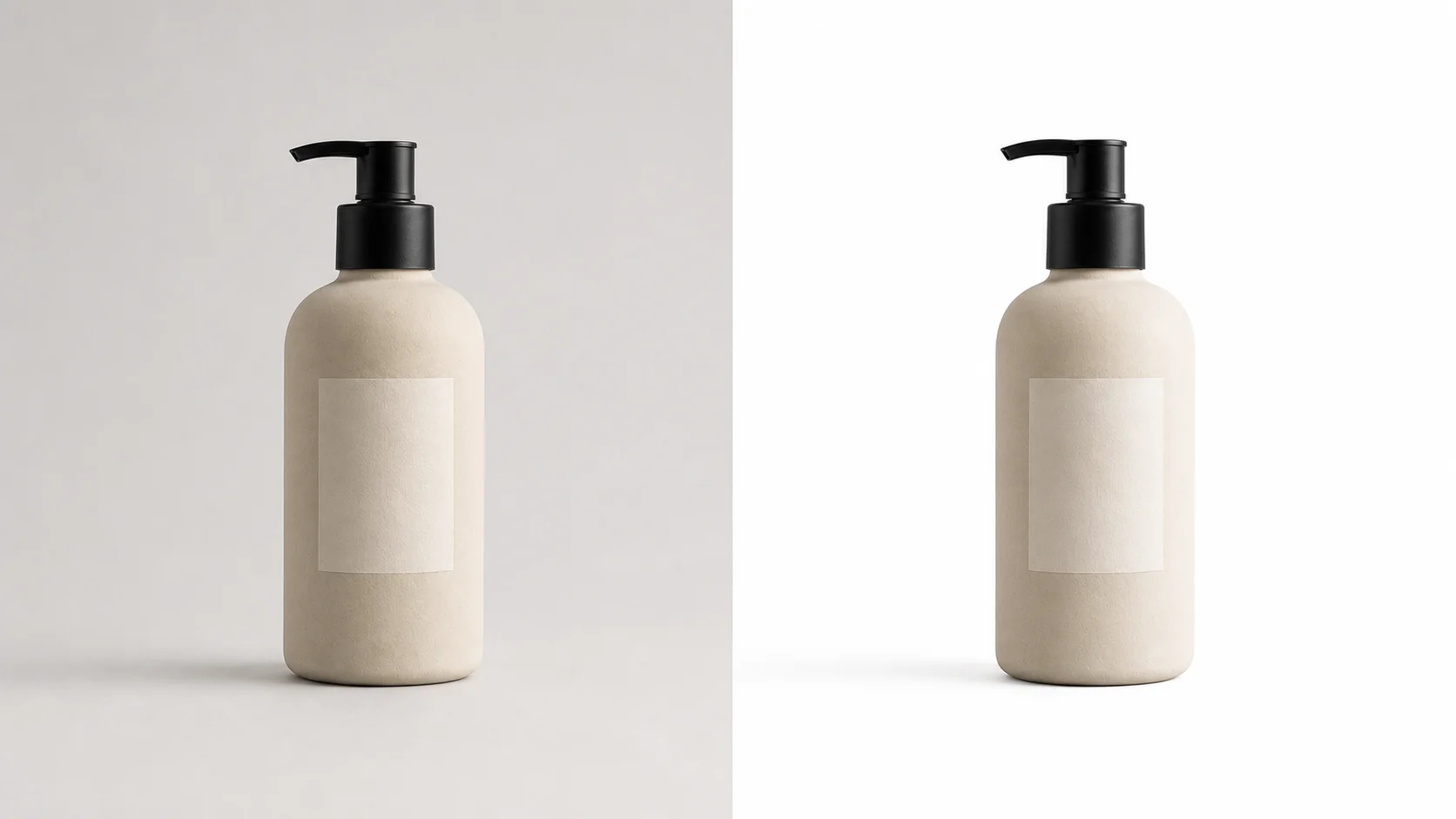
- Amazon’s white is not “white-ish”. The main image background must be pure white (RGB 255, 255, 255). A light gray studio sweep looks white to your eye and still gets flagged. A real cutout composited onto a true white canvas is the only reliable way through.
- Zoom thresholds are a floor, not a target. Amazon enables zoom at 1000 pixels on the longest side, but zoom is where buyers inspect stitching and texture. Our 2000 pixel square is a quality-minded export preset, not an Amazon-mandated canvas size.
Shoot once, export everything
The mistake is treating each platform as its own photoshoot. The workflow that scales:
1. Shoot one loose master
Frame wider than any platform needs, with the product dead center. A 4:3 or 3:2 master at 3000 pixels plus gives every crop below room to breathe. Tight framing is the one mistake you cannot fix in post.
2. Cut the background once
A clean cutout is the foundation of every variant: the white-background Amazon main, the lifestyle scene for Instagram, the brand-colored Shopify hero. Get the mask right once, with hand refinement on the tricky edges, and every export inherits it.
3. Compose per platform, not per photo
Backgrounds, shadows, and margins are layout decisions, not photography. Keep the product layer fixed and swap what is behind it: true white for Amazon, a generated scene for social, a flat brand color for your own store.
4. Batch the catalog
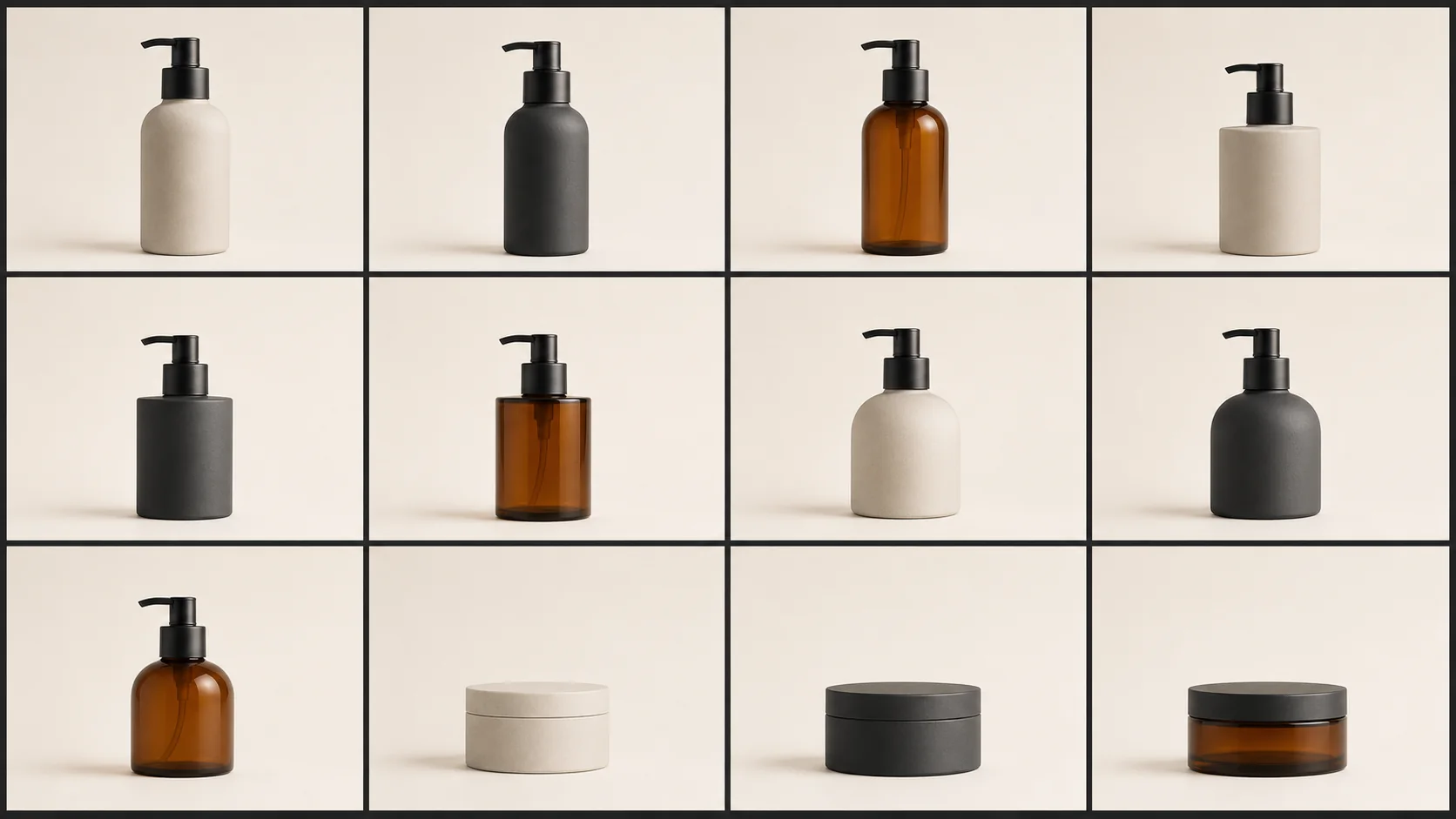
If you have ten SKUs this is an afternoon. If you have four hundred, it is a template: the same cutout, center, shadow, and export-sizes recipe applied to the whole folder, so SKU number 388 gets exactly the treatment SKU number 1 got.
For the catalog-wide decisions behind that template, see how to standardize product photos across an entire catalog.
The margin rule of thumb
For your own store and social posts, leave 10 to 15 percent of empty space around the product in the frame. Platforms overlay badges, wishlist hearts, and sale tags in the corners; a product that fills the frame edge-to-edge will have something important covered eventually.
Marketplace main images are the exception, and Amazon is the strict one: the product must fill at least 85 percent of the frame on the main image. That does not translate into one universal padding value for every product shape, so preview the actual subject bounds rather than assuming that a canvas preset guarantees compliance. Save the roomier margins for secondary and lifestyle shots. Center the subject, keep the margins consistent across the catalog, and your grid pages start to look like a brand instead of a flea market.
Buyers rarely notice good product images. They always notice inconsistent ones.
Sources
Platform guidance checked September 5, 2026: